
firestarters controls: Bindings and Input Checks
Check firestarters controls through current action bindings, dialogue prompts and movement practice, separating reviewer inputs from unverified default keys.
Source-backed research summary. Reviewer observations are attributed; unverified details are marked pending confirmation.
On this page
Find the action before copying the key
Check the controls menu and current tutorial for your own bindings; a complete verified default-key chart for the Early Access build is not yet available. The official store page describes a movement shooter but does not list every keyboard or mouse input. Exact defaults therefore remain pending confirmation (待确认).
Start by finding the action the game requests, rather than looking for a familiar key from another FPS. A movement command and an interaction command solve different problems even when they appear during the same tutorial. Note the displayed binding before making changes so you can compare the result.
Verify the actions you need for movement
Check the inputs associated with the movement techniques named in the game. Practise each one where the tutorial asks for it, and confirm that you recognise the result before combining actions. The movement guide gives a route-based practice method without inventing default keys.
If a combined manoeuvre fails, test its actions separately. This helps distinguish an unfamiliar input from a timing problem. Avoid changing your entire layout to solve one action you have not yet identified.
Dialogue and tutorial prompts
In the Wand preview published November 3, Phil Iwaniuk reports pressing F to advance Story dialogue and dismiss tutorial messages. That establishes what he used in his reviewed setup, not a guaranteed universal binding for every player. Check your current prompt and settings if F does something different.
The same review criticises the amount of information displayed during combat. That is the reviewer's usability assessment, not proof that your keyboard is failing when a message remains visible. Identify which message needs acknowledgement and which one is a live status indicator before troubleshooting the input.
Rebinding and version-specific issues
An October 31 developer patch addresses Japanese-keyboard rebinding among other fixes. If a Japanese keyboard behaves unexpectedly, check that the installation includes that update before applying advice from an older build. The patch does not establish a complete current keyboard layout.
After changing a binding, test the action in a familiar situation before changing another. Use the in-game labels to check whether two actions now compete for an input. Specific duplicate-binding behaviour and controller parity remain pending confirmation (待确认).
Separate old demo advice from current settings
February demo patch history records changes to input options, but a historical option is not a verified launch default. Do not use a demo video alone to claim that every current installation assigns the same action to the same button. Exact mouse-wheel behaviour, complete controller mappings and accessibility options still need current verification.
When reporting a problem, include the build, keyboard layout, action name and what the screen displays. A description such as “the displayed interaction key does not dismiss this tutorial” is more useful than “movement is broken.” Return to the beginner guide once individual actions work reliably.
What the demo patches actually establish
The February 13 developer notes added eighteen rebinding buttons and a look-inversion selector with separate axis choices. That is evidence of the demo's input customisation history. It does not mean every current build exposes an unchanged menu or that the number describes a complete launch control scheme.
The same February 13 announcement names four look-inversion choices: Off, X Only, Y Only, and X and Y. These labels document whether inversion applied to neither axis, one axis, or both in that demo. They are historical menu choices rather than physical key assignments or a verified list of options in today's release.
The February 20 demo notes also allowed visual-novel advancement with the bound Use action alongside left click, Space and Enter. The February 22 demo update then introduced optional mouse-wheel weapon switching. These records help explain older instructions, but current behaviour still needs checking rather than silently copying those keys into an Early Access table.
Confirm what a setting changes
An inversion choice and a button binding answer different questions. One concerns how an axis responds, while the other identifies the input assigned to an action. When describing a problem, say which setting you changed and what you expected it to do instead of combining them into a general complaint about aiming.
Likewise, a frame-rate option is not a substitute for a missing action binding. If you cannot perform a tutorial command, first confirm that command rather than adjusting unrelated display settings. Keep each test small enough that a changed result has an identifiable cause.
Related pages
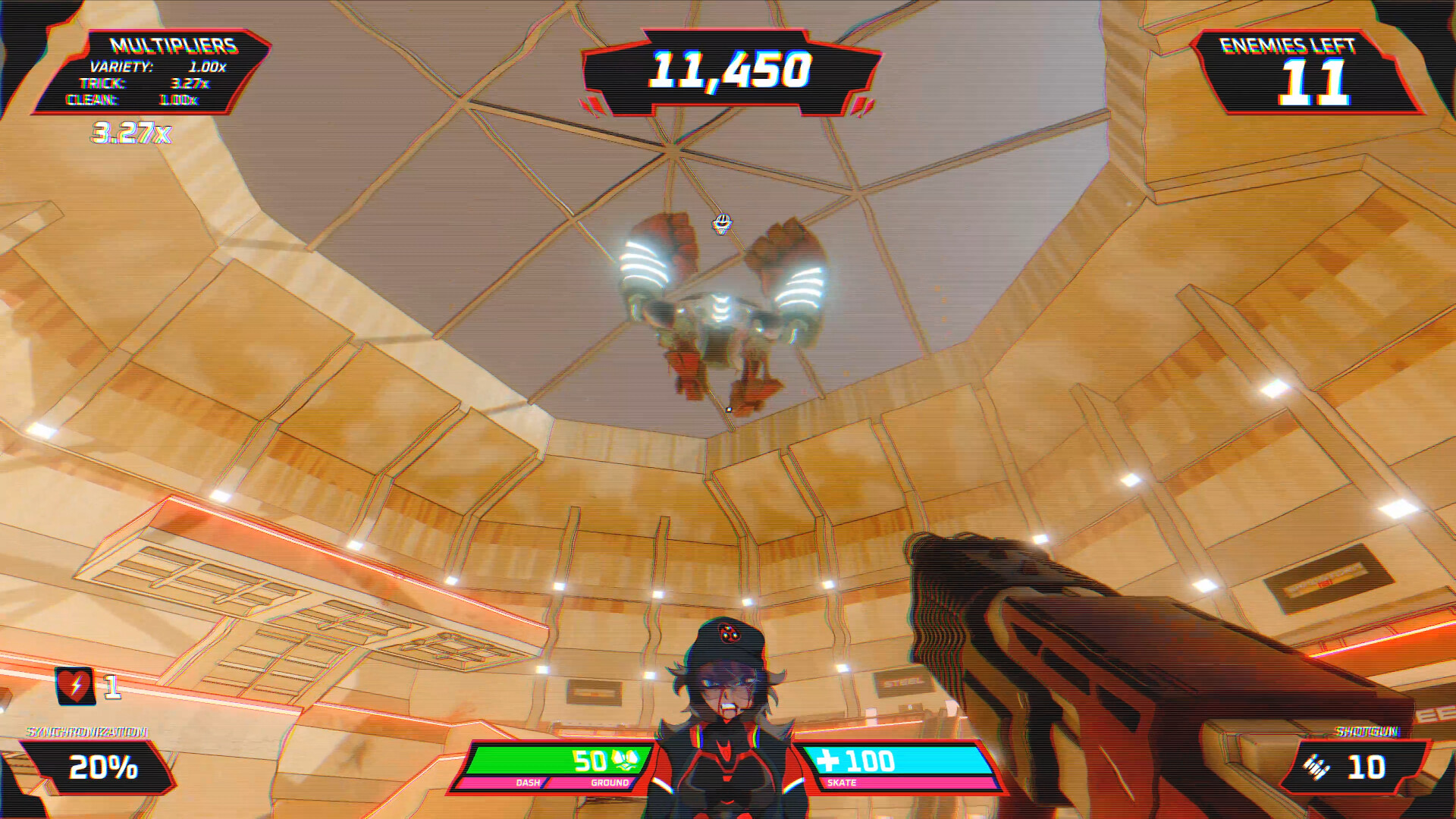
firestarters arcade mode: Unlocks and Score Runs
Explore firestarters arcade mode, how Story Storms unlock score attacks, what the leaderboards track, and which scoring details still need confirmation.
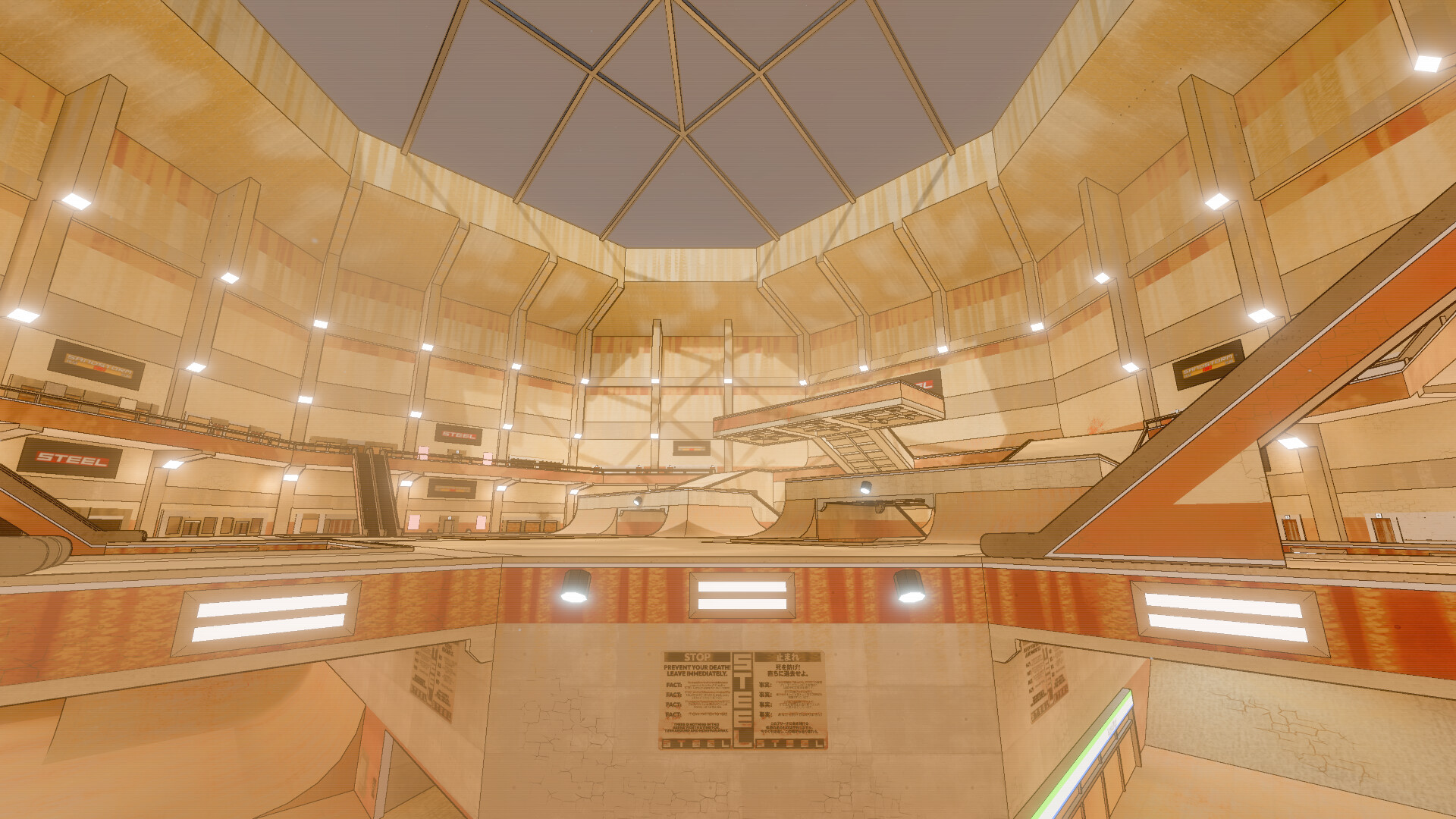
firestarters guide: First Storm Survival Basics
A practical firestarters guide to movement, weapons, resources and Story progression, with sourced beginner advice and clear limits on unverified details.
firestarters enemies: Android Threats and Priorities
Understand firestarters enemies through android encounters, target-selection practice and historical demo limits, without inventing an Early Access bestiary.